

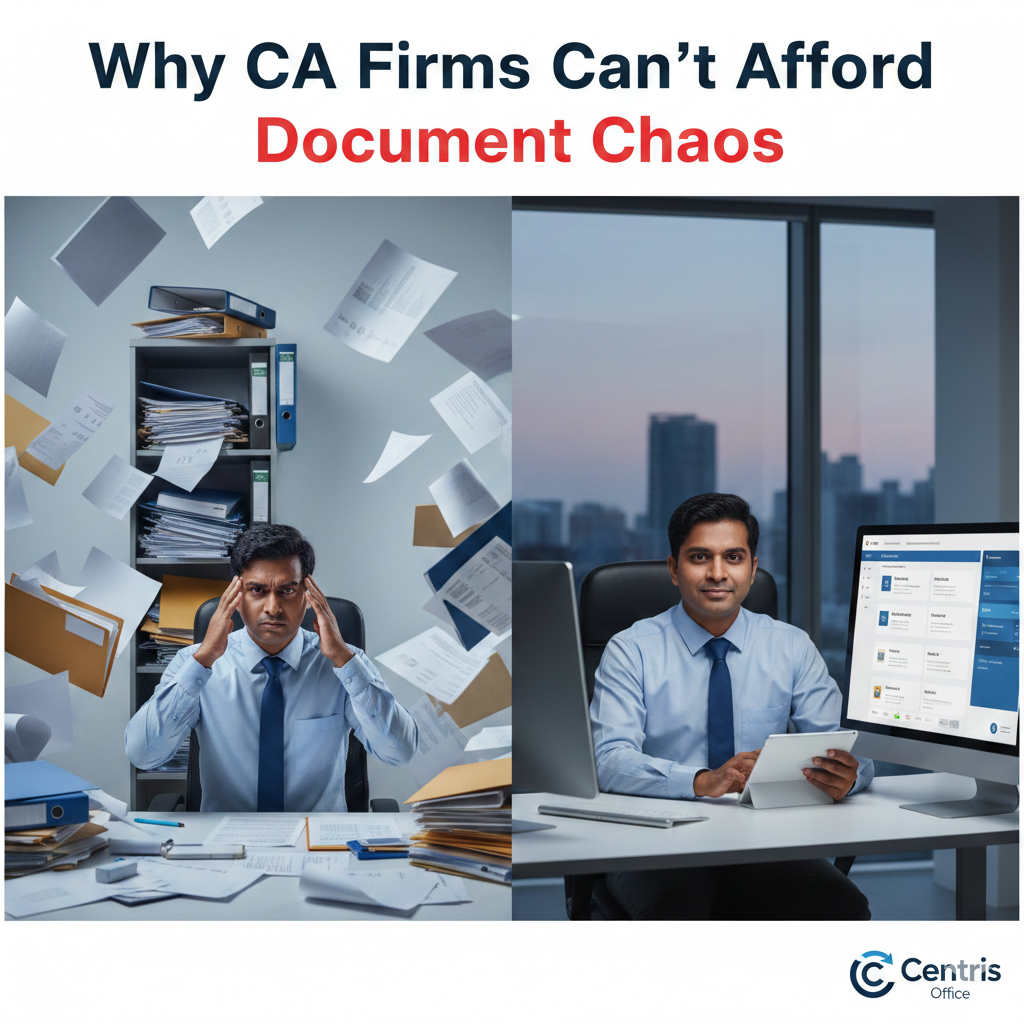

Why CA Firms Can’t Afford Document Chaos
When Amit, a partner at a 15-member CA firm in Bangalore, missed a critical audit deadline because the “final” financial statement was buried in version 8 of 14 scattered across shared folders, he realized something had to change. His firm wasn’t small or disorganized—they were simply trying to manage complex, compliance-heavy workflows with tools designed for simple file sharing.
For Chartered Accountants managing sensitive financial data across multiple clients, tax years, and regulatory frameworks, document management isn’t a convenience—it’s the foundation of professional practice. This complete guide explores how modern document management systems for CA firms transform operations, ensure compliance, and free up time for high-value advisory work.
The Unique Document Management Challenges CA Firms Face
CA firms operate in one of India’s most document-intensive professional environments. A single client generates tax returns, audit reports, financial statements, GST filings, ROC submissions, bank reconciliations, and years of historical records. Multiply this across dozens or hundreds of clients, and document volume quickly becomes overwhelming.
Unlike general businesses, CA firms must organize documents across multiple dimensions simultaneously:
- By client: Every client needs a secure, isolated document repository
- By financial year: Historical data access is essential for audits and comparisons
- By document type: Tax filings, audit reports, and correspondence require different handling
- By status: Draft, under review, approved, and filed documents follow different workflows
- By compliance requirement: Different documents have different retention periods and regulatory obligations
Traditional file storage systems—whether physical cabinets or Google Drive folders—force CA firms to choose one organizational dimension, making other retrieval methods cumbersome. A folder structure organized by client makes financial year-based retrieval difficult. Organization by tax year scatters individual client documents across multiple locations.
This structural limitation explains why CA firms frequently struggle with document retrieval, version confusion, and audit anxiety despite investing significant time in organization.
Essential Features of Document Management Systems for CA Firms
Purpose-built DMS for CA firms addresses these challenges through specialized capabilities that generic file storage cannot provide.
Financial Year-Wise Organization
CA work revolves around financial years. A proper document management system India CA firms need allows instant filtering by assessment year, financial year, or tax period. When auditing FY 2023-24 returns, you should see only relevant documents—not everything in a client’s multi-year folder.
Centris Office can implement financial year as a core filter feature, not an afterthought. Documents are categorized by their relevant tax year, allowing you to pull up “all ITR-7 filings for AY 2024-25” across your entire client base with a single search, using metadata tagging.
Client-Wise Document Sorting and Secure Separation
Each client’s data must be completely segregated for confidentiality and compliance. But within each client workspace, you need sub-organization by document type, year, and status.
Modern document management systems create client-specific workspaces with granular permission controls. Your articled assistants can access draft working papers but not approved financial statements. Clients can view their finalized returns but not internal notes. Partners can access everything, with a complete audit trail of who can access what and how.
This level of control is impossible in Google Drive or basic file sharing systems where permissions are folder-based and lack the nuance that professional services require.
Category-Based Document Classification
Tax returns, audit reports, balance sheets, GST filings, bank statements, correspondence—each document type has different handling requirements, retention periods, and retrieval needs.
A robust DMS for CA firms allows custom document classifications that match your firm’s taxonomy. You can instantly locate “all GST annual returns filed in 2024” or “pending audit reports for a certain client” without manual folder navigation.
Centris Office’s AI-powered metadata and document summary assists in document search based on content analysis, reducing delays while maintaining organizational consistency.
Automated Workflow and Approval Routing
Tax returns move from preparation to review to partner approval to filing. Audit reports require manager review, partner sign-off, and client approval. These workflows should happen systematically within your document management system, not through email chains and sticky notes.
Advanced document management systems provide flexible workflow routing. When an articled assistant marks a tax return “ready for review,” it automatically appears in the manager’s review queue. After approval, it routes to the partner for final sign-off. Each step is logged, timed, and tracked.
This automation eliminates bottlenecks, prevents forgotten approvals, and creates the audit trail that quality control requires.
Version Control and Audit Trails
“Is this the version we filed?” should never be a question that requires investigation. Every document revision, approval, and submission must be tracked with audit logs and user attribution.
Document management systems designed for CA and financial firms maintain comprehensive version histories showing exactly who made the change, and when. Approved versions can be locked to prevent accidental modifications, while working drafts remain editable.
When your peer reviewer asks to see the originally filed ITR before amendments, you produce it instantly—with proof of when it was filed, by whom, and with whose authorization.
Optical Character Recognition (OCR) and Intelligent Search
CA firms receive vast quantities of paper documents—bank statements, vendor invoices, client-provided receipts. These need to be digitized, but more importantly, they need to be searchable.
OCR technology converts scanned documents into searchable text. Combined with intelligent metadata, this means you can search for “all bank statements from ABC Bank for Sharma Industries in Q2 2024” and get exact results—even if the original documents were paper.
Centris Office’s AI-powered search understands context and relationships, finding documents based on meaning rather than just keyword matching. Search “pending compliance for manufacturing clients” and get relevant results even if those exact words don’t appear in document titles.
Mobile Access for Client Meetings
CA work doesn’t happen only at desks. Client meetings, site visits, and remote work require secure mobile access to documents.
Centris Office ensures mobile access maintains the same role-based permissions, audit logging, and version control as desktop use.
Integration with CA-Specific Software
Your document management system shouldn’t exist in isolation. It should integrate with tax preparation software, accounting platforms, and email systems to create a seamless workflow.
Modern document management systems India CA firms adopt offer API integrations and import/export capabilities that connect with tools like Tally, TaxCloud, and ClearTax. Generate a tax return in your preparation software, and it can move to the client’s document repository in its required location.
Regulatory Compliance and Data Security
CA firms are custodians of extraordinarily sensitive financial information. Data breaches, unauthorized access, or lost documents can destroy professional reputations and violate client confidentiality obligations.
Purpose-built document management systems for CA firms implement security controls that basic file storage cannot match:
- Role-based access control: Define exactly who can view, edit, approve, or delete specific document categories
- Encryption at rest and in transit: Protect data from unauthorized access
- Complete audit logs: Track every document interaction for compliance and security monitoring
- Retention policy enforcement: Manage document lifecycles according to regulatory requirements
When your institute’s quality review asks for evidence of document security practices, you can produce comprehensive reports showing access controls, audit logs, and compliance measures.
Real-World ROI for CA Firms
The business case for document management systems in CA practices extends beyond organization and compliance—it directly impacts profitability.
A Mumbai-based CA firm with 12 professionals calculated that their team spent an average of 45 minutes daily locating documents across scattered folders, email attachments, and local drives. At 12 professionals × 45 minutes × 250 working days, that’s 2,250 hours annually—equivalent to more than one full-time employee doing nothing but searching for files.
After implementing a proper DMS for the CA firm, search time dropped to under 10 minutes daily, freeing 1,750 hours for billable work. At even a modest billing rate of ₹2,000 per hour, that’s ₹35 lakh in recovered billable capacity- far exceeding the document management system cost.
Beyond billable hours, the firm eliminated duplicate work from version confusion, reduced compliance anxiety during audits, and improved client service through faster document turnaround.
Implementing Document Management: Best Practices for CA Firms
Successful DMS implementation requires planning and process alignment, not just software installation.
Start with document taxonomy: Define your document categories, naming conventions, and organizational structure before migrating files. Involve your entire team in this process- the classification system must make sense to articled assistants and partners alike.
- Migrate systematically: Don’t try to move everything at once. Start with one client or one document type, refine your process, then scale.
- Train thoroughly: The best system fails if your team doesn’t understand how to use it. Invest in comprehensive training with role-specific sessions.
- Establish governance: Define who can create client workspaces, approve documents, and manage permissions. Document these policies clearly.
- Review and refine: After three months, assess what’s working and what needs adjustment. Document management systems should evolve with your practice.
Why Centris Office for CA Firms
Centris Office has successfully worked for various Indian CA practices. From financial year-wise organization to client-segregated workspaces to workflow routing, every feature addresses the real-world challenges Chartered Accountants face daily.
Our AI-powered search eliminates the frustration of lost documents. Our audit trails provide the compliance documentation your quality reviewers require. Our mobile access ensures you’re never caught unprepared in client meetings.
Most importantly, Centris Office scales with your practice- from a solo practitioner managing 20 clients to a multi-partner firm handling hundreds.
Transform your document chaos into competitive advantage. Let Centris Office handle your documents so you can focus on serving your clients.
About Centris Office: Centris Office provides specialized document management solutions for CA firms, legal practices, and professional services across India. Our platform eliminates document search frustration, ensures compliance, and scales with your practice growth. Schedule a personalized demo for CA firms at centrisoffice.in.