









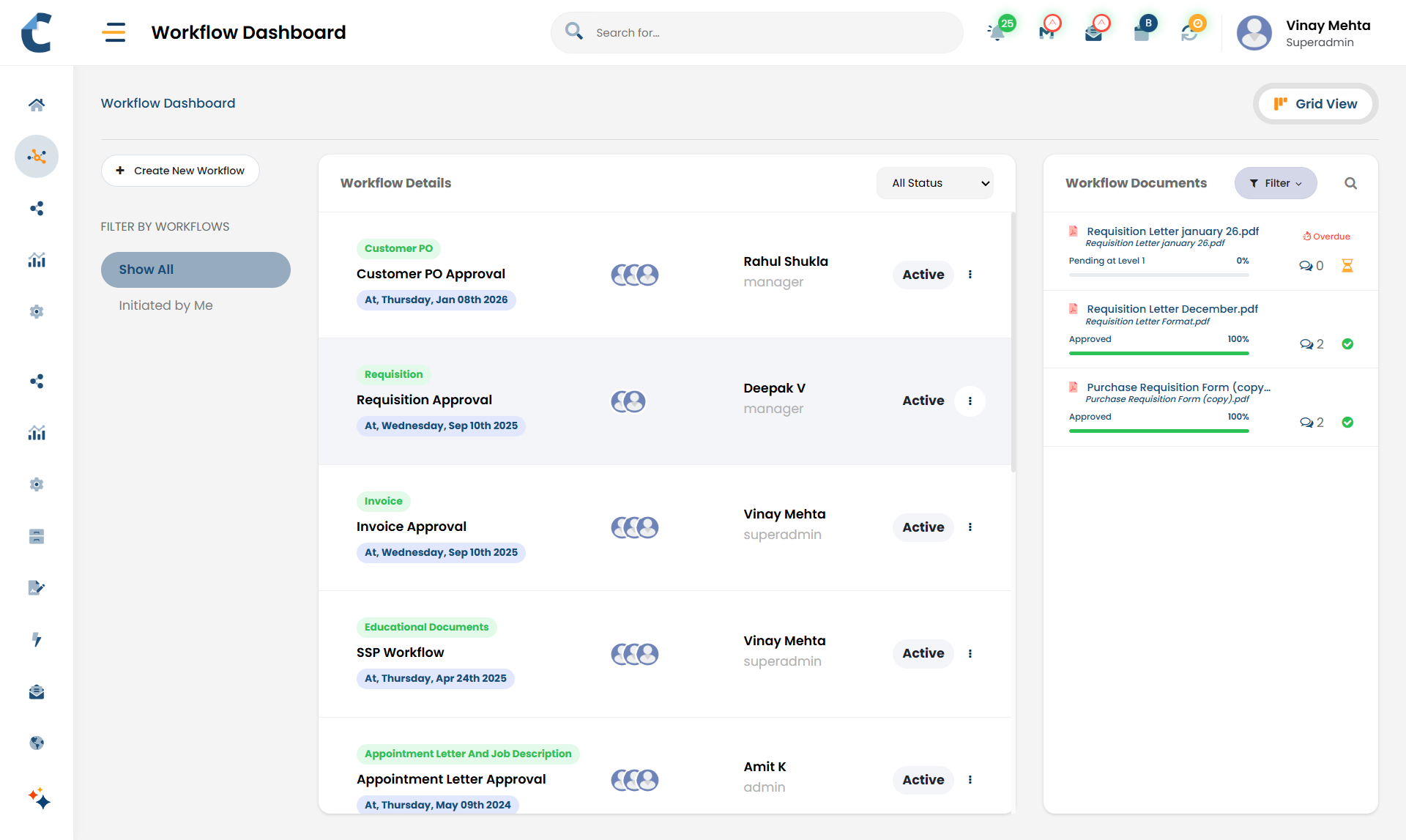


Structured Approval Workflows
Step-by-step document review and approval flows.

Clear Task
Ownership
Defined responsibility at every stage of the process.

Automated Alerts & Escalations
Automatic notifications, reminders, and follow-ups.

One-Click Decision
Actions
Simple approve, reject, and clarification options.

Internal & External Collaboration
Seamlessly supports teams and external partners.

Audit-Ready Activity Tracking
Complete action history for compliance and audits.


Workflow Starts
A workflow begins when a document is uploaded, submitted by a partner, or updated with required information
Sequential movement
Documents move one step at a time, following the exact order defined by your business process.

Task assignment
Each step is assigned to specific users or roles, who see pending actions in their task list.

Notifications & reminders
Users are notified when action is required and reminded until the task is completed.
Escalations
If a step is delayed, Centris can automatically notify supervisors or escalate the task.

Clarifications & rework
Reviewers can request clarifications or corrections, with all comments stored against the document.
Audit trail
Every action is recorded with user, date, and time, creating a complete and reliable history.

Invoice Approvals
Supplier invoices move from Accounts to Finance and then to final approval, with reminders ensuring timely processing

Quality and regulatory reviews
Documents pass sequentially through Quality, Regulatory, and Management before release.

Contract Approvals
Contracts move from Legal to Business and Finance, with decisions captured at each stage.

Partner submissions
Documents submitted through the business partner portal are reviewed internally in a controlled, step-by-step manner