







shape shape
shape shape
shape shape
shape shape
shape shape
shape shape
shape shape
shape shape

Microsoft 365
Integration

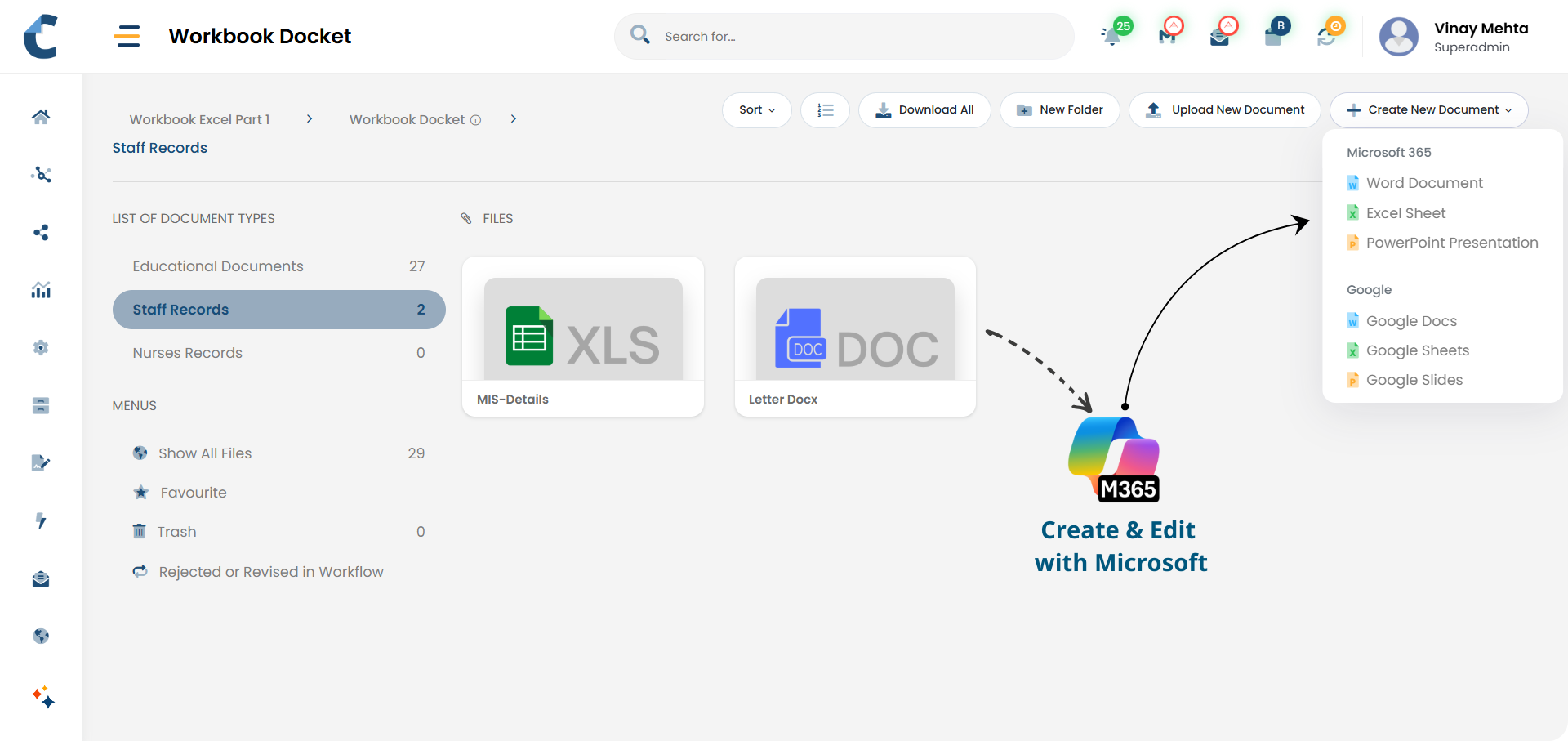
Create and edit documents using Microsoft 365 tools, while keeping them securely managed in Centris.

Work in Your Tools.
Stay in Control.

Centris integrates with Microsoft 365, allowing teams to edit documents in familiar tools while keeping storage, access, and governance centralised - no downloads, duplicates, or loss of control.

Familiar tools. Centralised control.

Key Highlights

Create Freely. Govern Centrally.
feature-icon

Account Integration

Connect Microsoft 365 accounts to Centris

feature-icon

Native Editing

Create and edit DOCX, XLSX, and PPTX files

feature-icon

Seamless Experience

Automatic redirection to the Microsoft 365 interface

feature-icon

Auto Save to Centris

Changes are saved directly back into Centris

feature-icon

Access Enforcement

Documents continue to follow existing access control rules

feature-icon

No File Handling

Eliminates manual downloads and re-uploads
Design Intent Behind
M365 integration

  • The integration is designed around a simple idea: let people work in familiar tools without breaking document control.
  • Many organisations struggle to balance productivity with governance - teams prefer Microsoft Office, while administrators need documents stored securely in one system.
  • Centris bridges this gap by acting as the central system of record, while Microsoft 365 serve as the editing environments.
  • This ensures ease of use for individuals and consistency, security, and visibility for the organisation.

No new tools to learn. No control to lose.

How It Works

Centris connects directly with a user’s Microsoft 365 account to enable seamless document creation and editing.
  • feature-icon Account connection
    • Users can securely connect their Microsoft 365 account to Centris
    • No separate logins or manual file transfers are required
  • feature-icon Document creation and editing
    • Users can create DOCX, XLSX, and PPTX documents directly from Centris
    • When editing is initiated, Centris opens the document in the M365 interface
    • Users work in the familiar editor they already know
    • feature-icon Saving and control
      • All changes made in M365 are automatically saved back into Centris
      • The document remains stored in the Centris repository at all times
      • Centris continues to manage the document as it is updated
    • feature-icon Access and governance
      • Created and edited documents follow the existing Centris access control logic
      • Only authorised users can view or edit the document
      • External sharing remains governed by Centris rules, not individual accounts

    Before and After

    Using M365 Integration in Centris

    Before Centris

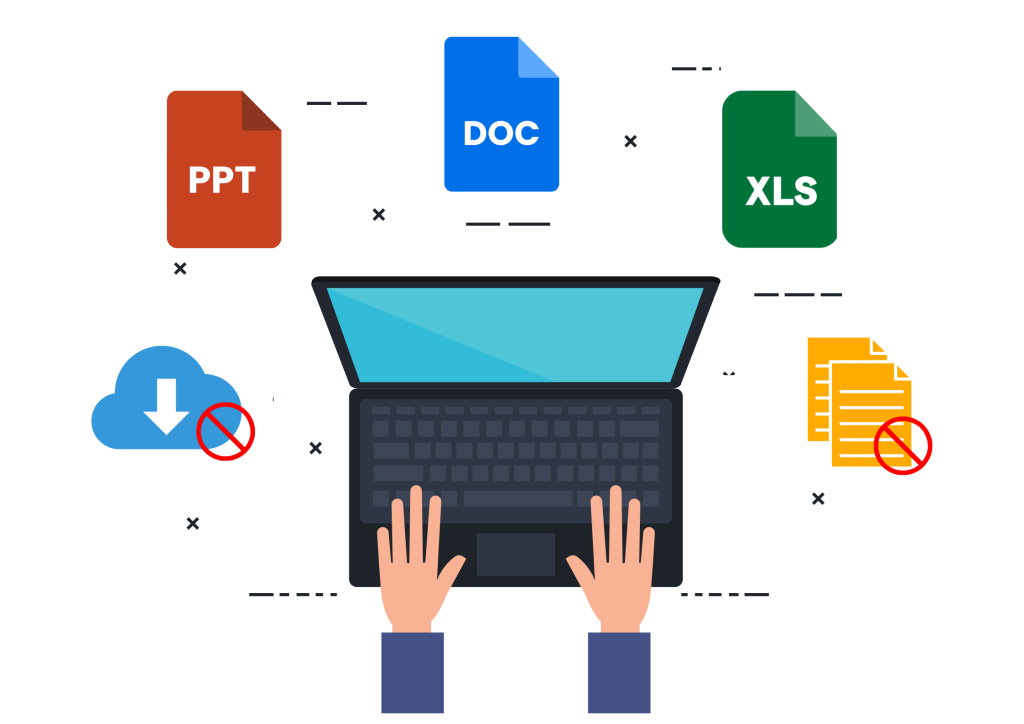
    Files downloaded and edited locally
    Multiple copies created
    Manual re-upload after edits
    Access lost once downloaded
    Confusion over latest file

    After Centris

    Documents edited directly from Centris
    Single controlled document
    Automatic saving back to Centris
    Access rules remain enforced
    Centris always holds the current document

    Common Use Cases

    Image Dark Image
    Office-based documentation

    Draft reports, spreadsheets, and presentations using Microsoft tools.

    Image Dark Image
    Team Collaboration

    Make updates without emailing files or creating duplicates.

    Image Dark Image
    Controlled editing

    Allow editing access while maintaining organisational control over documents.

    Image Dark Image
    Standardised documentation

    Ensure all working documents follow the same access and storage rules.

    "Microsoft 365 integration in Centris combines familiar Office editing with centralised storage, access control, and governance."

    Centris is a unified Digital Office platform for structured information management and intelligent collaboration.

    Address
    Parekh Mahal, B4, Veer Nariman Road,
    Churchgate, Mumbai, Maharashtra 400020, India

    Let's Connect
    Email: info@vidoc.in