





shape shape
shape shape
shape shape
shape shape
shape shape
shape shape
shape shape
shape shape

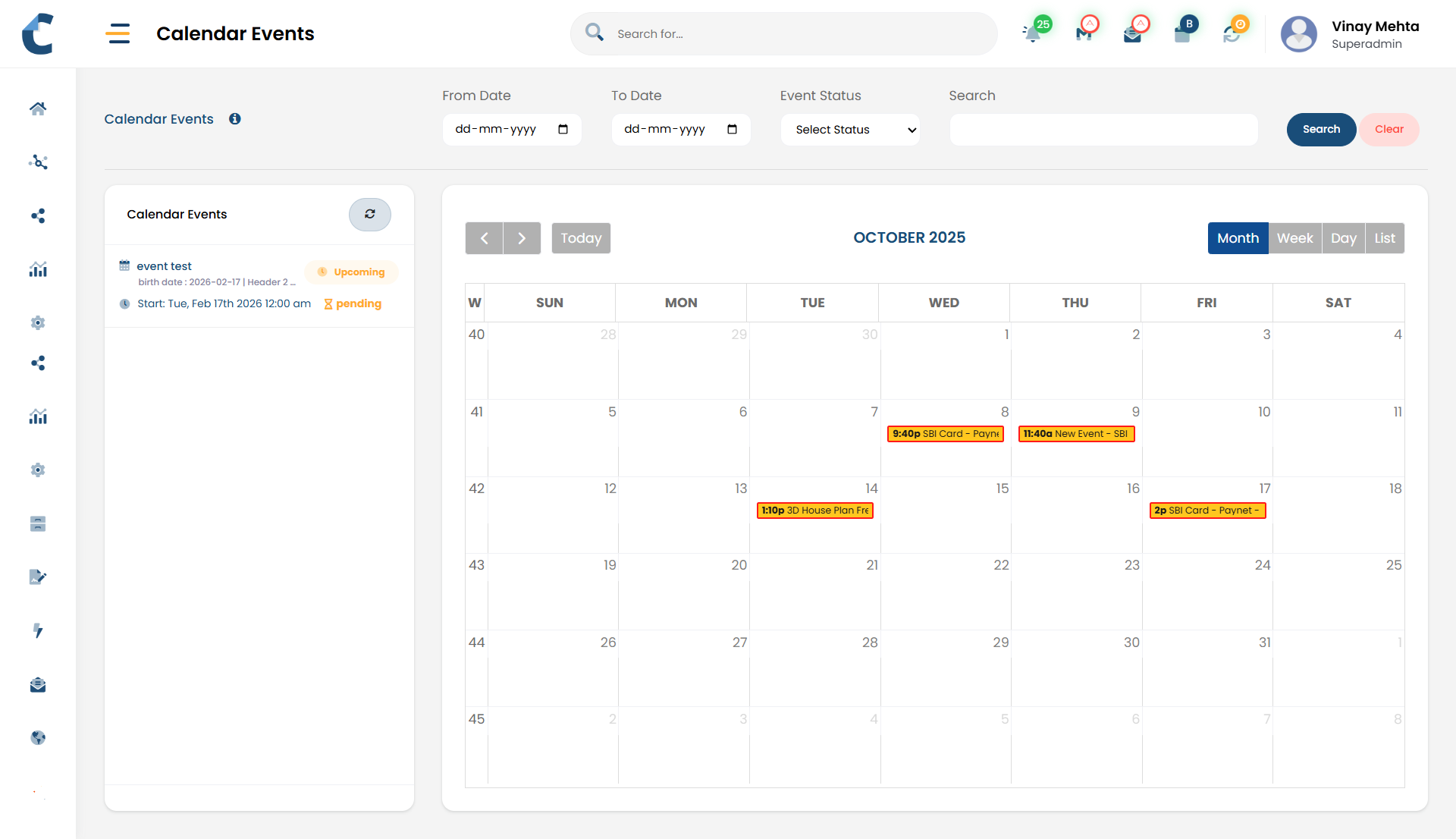
Calendar Events &
Notifications

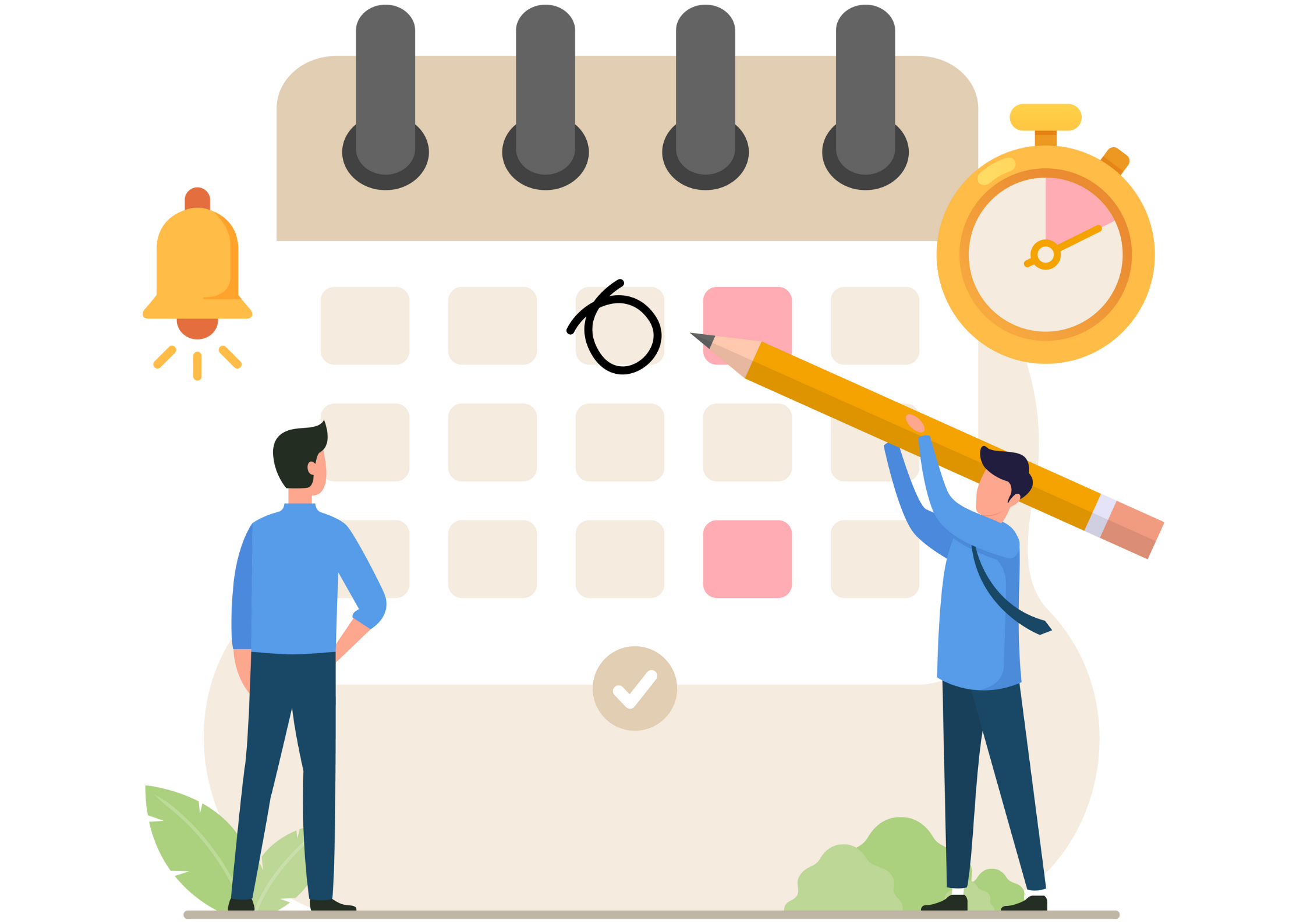
Timely, non-intrusive alerts and Calendar Events that ensure important document actions and approvals are never missed.

Never Miss
Document Update

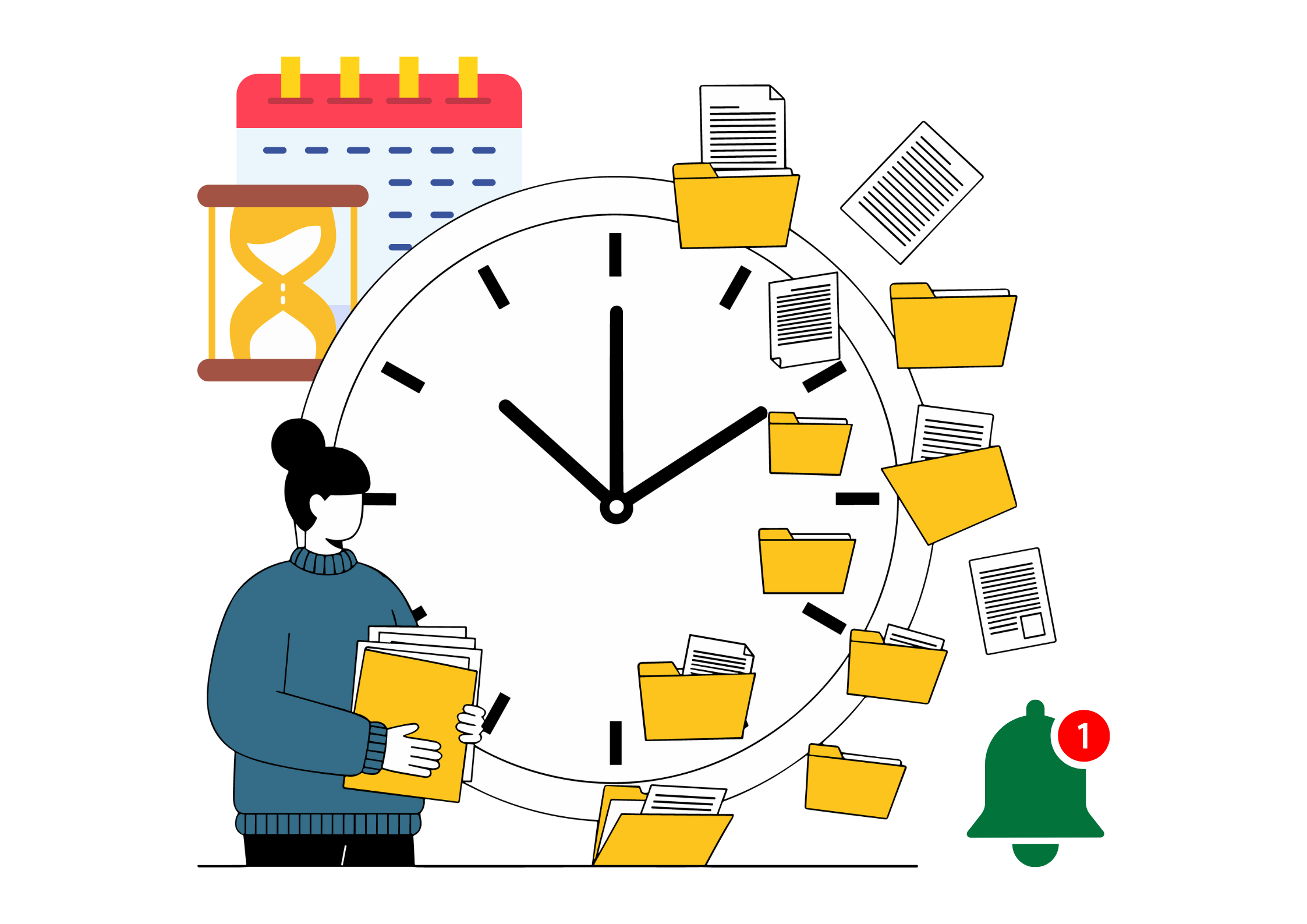
Centris notifications and calendar events keep teams informed about document activity and key milestones without interrupting daily work. By replacing memory and email follow-ups with timely alerts, Centris ensures everyone stays aware as documents move through their lifecycle.

Right Updates,. Right Time.

Key Highlights

Stay informed without being interrupted.
feature-icon

Quiet Alerts

Non-intrusive notifications that don’t disrupt daily work

feature-icon

In-App Updates

Notifications delivered directly within Centris

feature-icon

Desktop Notifications

Browser-based alerts for real-time awareness

feature-icon

Email Notifications

Important updates sent straight to your inbox

feature-icon

Action Reminders

Alerts when documents need attention or reach final approval

feature-icon

Milestone Tracking

Calendar events for key document deadlines and stages
Design Intent Behind
Calendar Events & Notifications

  • Notifications and Calendar Events in Centris are designed to inform without distracting.
  • The focus is on awareness, not interruption - ensuring users receive important updates while remaining in control of their attention.
  • By offering multiple notification channels and Calendar Events, Centris adapts to different working styles.
  • Users can stay informed within the application, through their browser, or via email, while still avoiding excessive or unnecessary alerts.

No chasing. No guessing.

How It Works

Centris automatically keeps users notified as documents progress through workflows and reviews.
  • feature-icon Notifications
    • Non-intrusive alerts are generated when a document requires review or approval
    • Notifications are sent when a document moves to the next step in a workflow
    • A confirmation notification is sent when a document receives final approval
    • Notifications are delivered through:
      • In-application notification panel
      • Browser-based desktop notifications
      • Email notifications
  • feature-icon Reminders
    • Gentle reminders are sent for pending tasks
    • Follow-up alerts appear if actions are overdue
    • Helps prevent documents from being forgotten or delayed
    • feature-icon Calendar Events
      • Important document-related dates can be added as Calendar Events
      • Final approvals and key deadlines can be reflected in calendars
      • Provides advance visibility of upcoming actions and milestones
    • feature-icon Visibility and coordination
      • Users can see pending actions and upcoming events in one place
      • Teams remain aligned on document progress
      • Reduces dependency on manual follow-ups and emails

    Before and After

    Using Calendar Event & Notifications in Centris

    Before Centris

    Interruptive emails and follow-ups
    Uncertainty about final approvals
    Manual reminders
    Deadlines tracked informally
    Delayed awareness

    After Centris

    Non-intrusive system notifications
    Clear alerts on completion
    Automated reminders
    Calendar-based visibility
    Timely, channel-appropriate updates

    Common Use Cases

    Image Dark Image
    Approval completion

    Receive confirmation when a document is fully approved.
    Image Dark Image
    Pending reviews

    Get reminders for documents awaiting action.

    Image Dark Image
    Deadline-driven work

    Track submission and review dates using Calendar Events.
    Image Dark Image
    Everyday awareness

    Stay informed without constant interruptions.

    "Notifications and Calendar Events in Centris keep people informed at the right time, through the right channel, without disrupting how they work. "

    Centris is a unified Digital Office platform for structured information management and intelligent collaboration.

    Address
    Parekh Mahal, B4, Veer Nariman Road,
    Churchgate, Mumbai, Maharashtra 400020, India

    Let's Connect
    Email: info@vidoc.in