






shape shape
shape shape
shape shape
shape shape
shape shape
shape shape
shape shape
shape shape

Version Control

Keep related document updates together and always see the most recent version first.

Always the Right Version

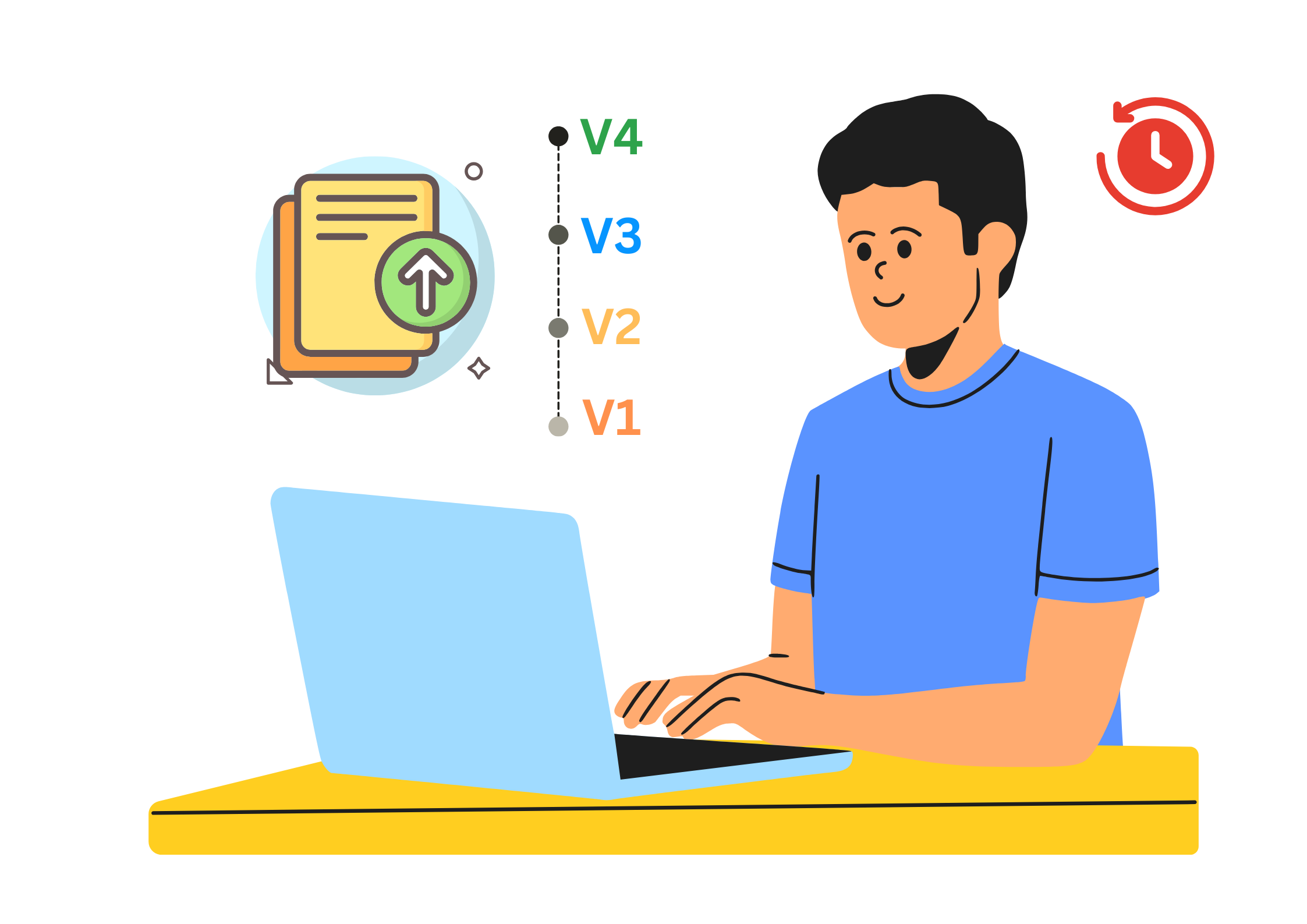
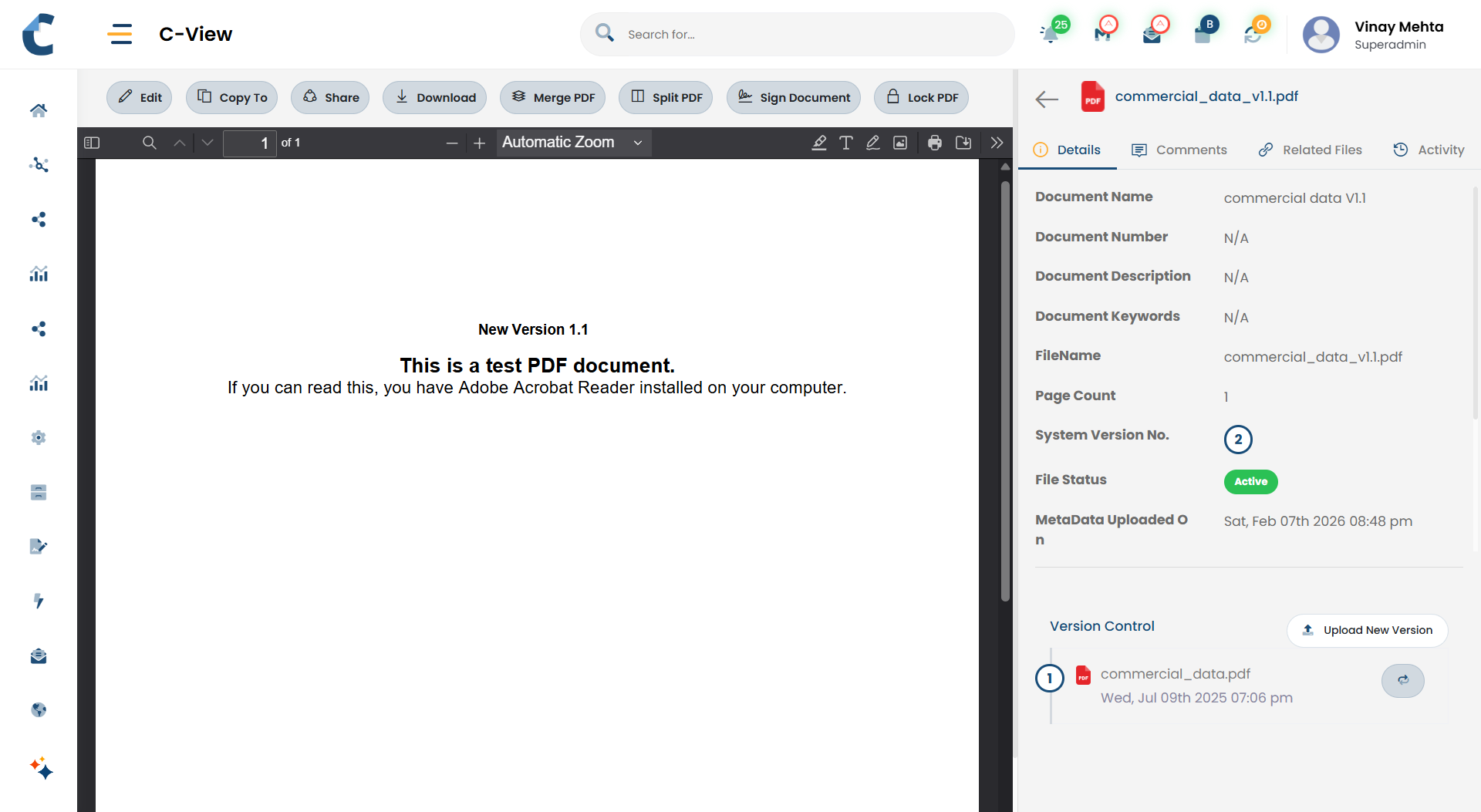
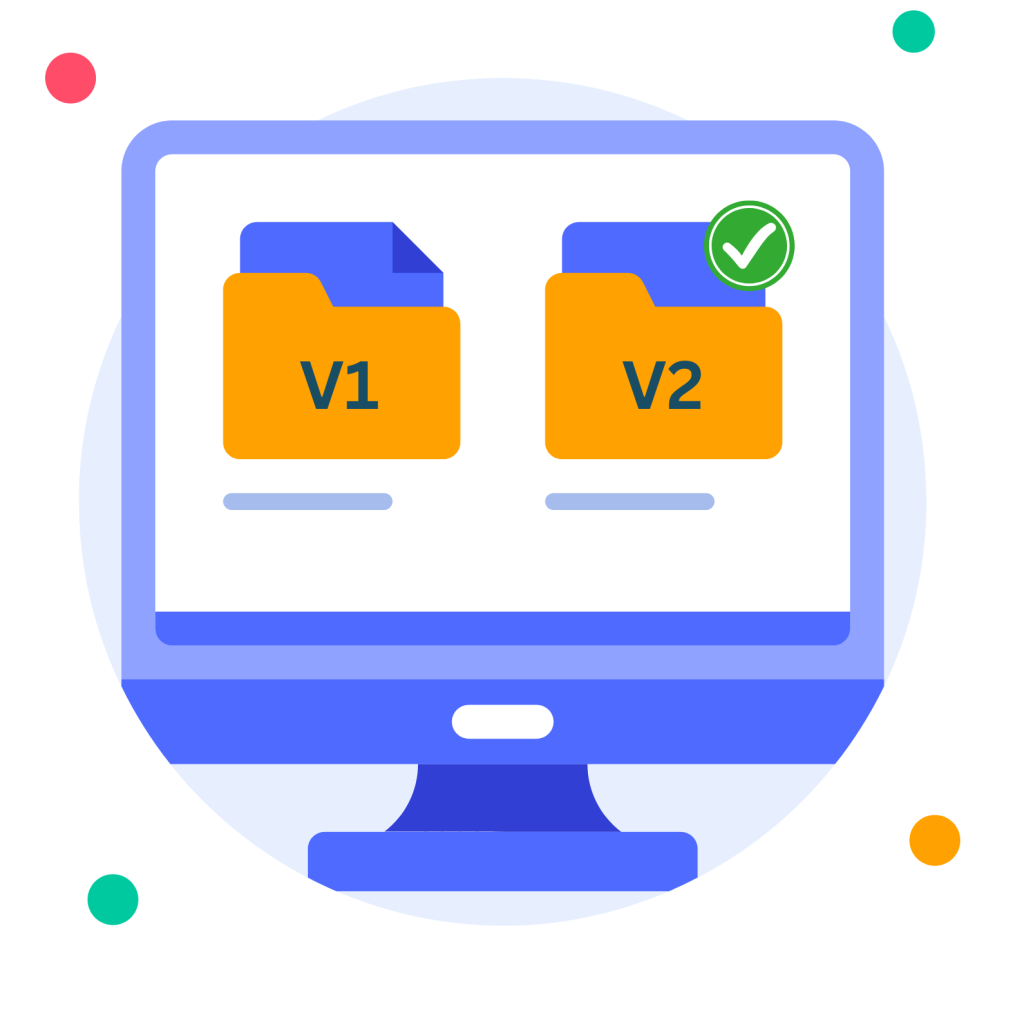
Version control in Centris eliminates confusion caused by multiple copies of the same document. As updates are made, Centris keeps all versions together and automatically highlights the latest one so teams always work with the most current and correct file.

No Duplicates. No Doubt.

Key Highlights

Always work on the latest version
feature-icon

Flexible Uploads

Upload the same document multiple times, regardless of file name

feature-icon

Automatic Versioning

Related uploads are grouped automatically as versions

feature-icon

Latest First

The most recent version is displayed by default

feature-icon

Version History

Older versions remain available for reference

feature-icon

Clarity at Scale

Reduces confusion caused by multiple file copies

feature-icon

Traceable Changes

Maintains a clear history of updates for accountability and review
Design Intent Behind
Version Control

Version control in Centris is designed for clarity, not complexity. It ensures teams always know which document to use without managing file names or tracking versions manually. By treating repeat uploads as updated versions of the same record, Centris keeps versioning simple, practical, and user-friendly.

Clarity without complexity.

How It Works

Centris handles versions in a simple and predictable way.
This approach ensures documents stay organised while keeping the user experience straightforward.

Before and After

Using Version Control in Centris

Before Centris

Multiple copies saved in different folders
File names used to indicate “final”
Uncertainty about which file to use
Older copies lost or duplicated
Manual effort to manage versions

After Centris

All updates grouped under one document
System automatically shows latest version
Most recent version always visible
Older versions available when required
Simple re-upload handles updates

Common Use Cases

Image Dark Image
Revised documents

Upload updated reports, drafts, or submissions without worrying about file names.
Image Dark Image
Corrections and updates

Replace earlier uploads while keeping prior versions available.

Image Dark Image
Ongoing documentation

Maintain evolving documents such as policies, proposals, or records.

Image Dark Image
Partner submissions

Accept revised documents from external users without clutter.

"Version control in Centris keeps document updates together and ensures everyone works with the most recent version - without extra steps or confusion. "

Centris is a unified Digital Office platform for structured information management and intelligent collaboration.

Address
Parekh Mahal, B4, Veer Nariman Road,
Churchgate, Mumbai, Maharashtra 400020, India

Let's Connect
Email: info@vidoc.in