










Account Integration
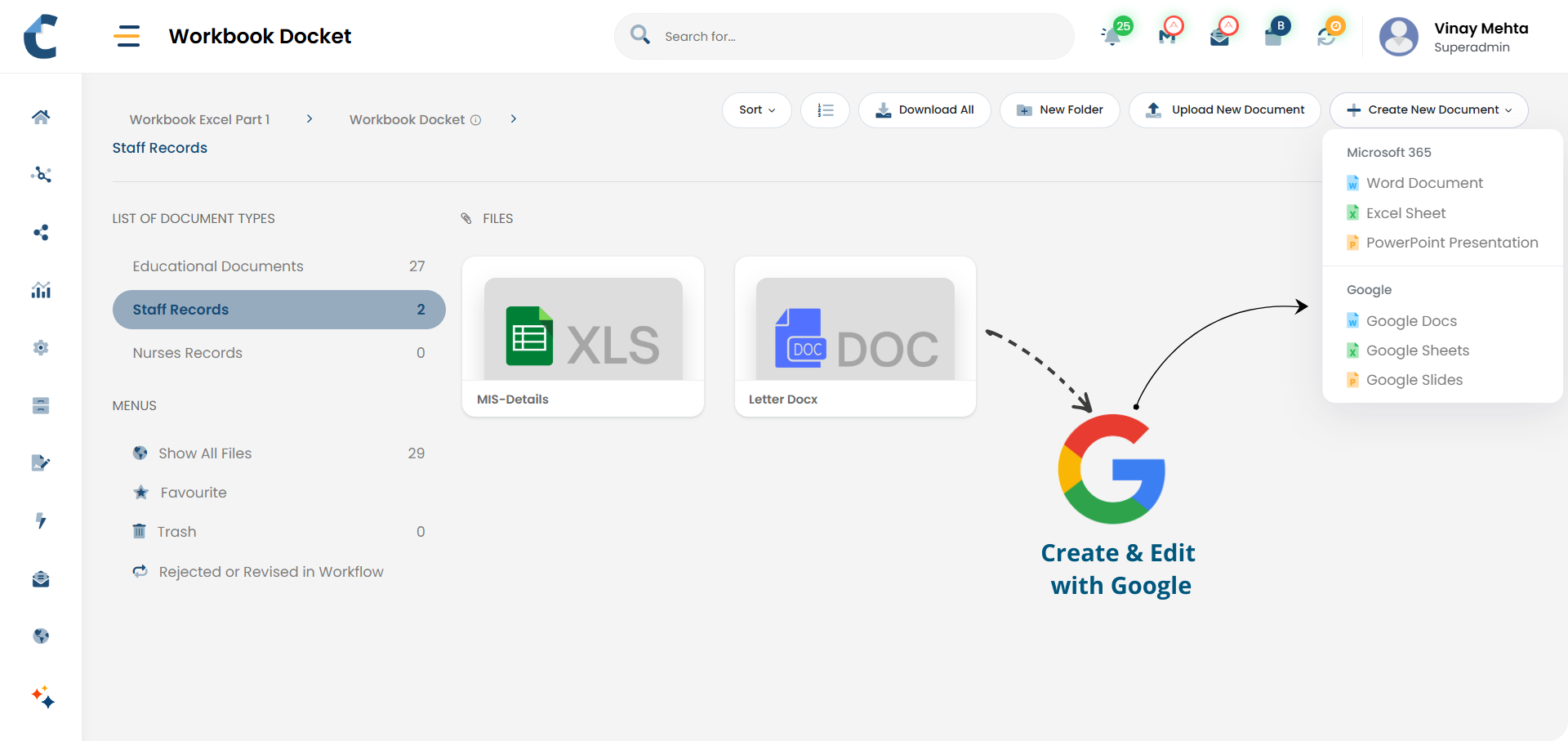
Connect Your Google accounts to Centris

Native Editing
Create and edit documents, spreadsheets, and presentations.

Seamless Experience
Automatic redirection to the Google interface

Auto Save to Centris
Changes are saved directly back into Centris

Access Enforcement
Documents continue to follow existing access control rules

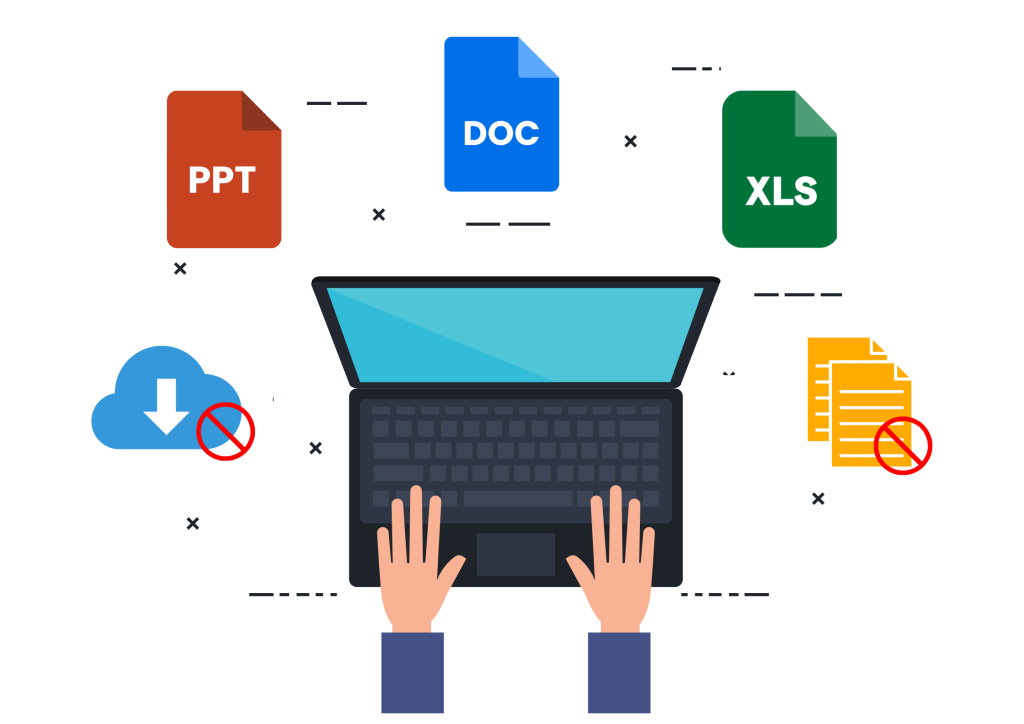
No File Handling
Eliminates manual downloads and re-uploads
-
 Account connection
- Users can securely connect their Google account to Centris
- No separate logins or manual file transfers are required
-
 Document creation and editing
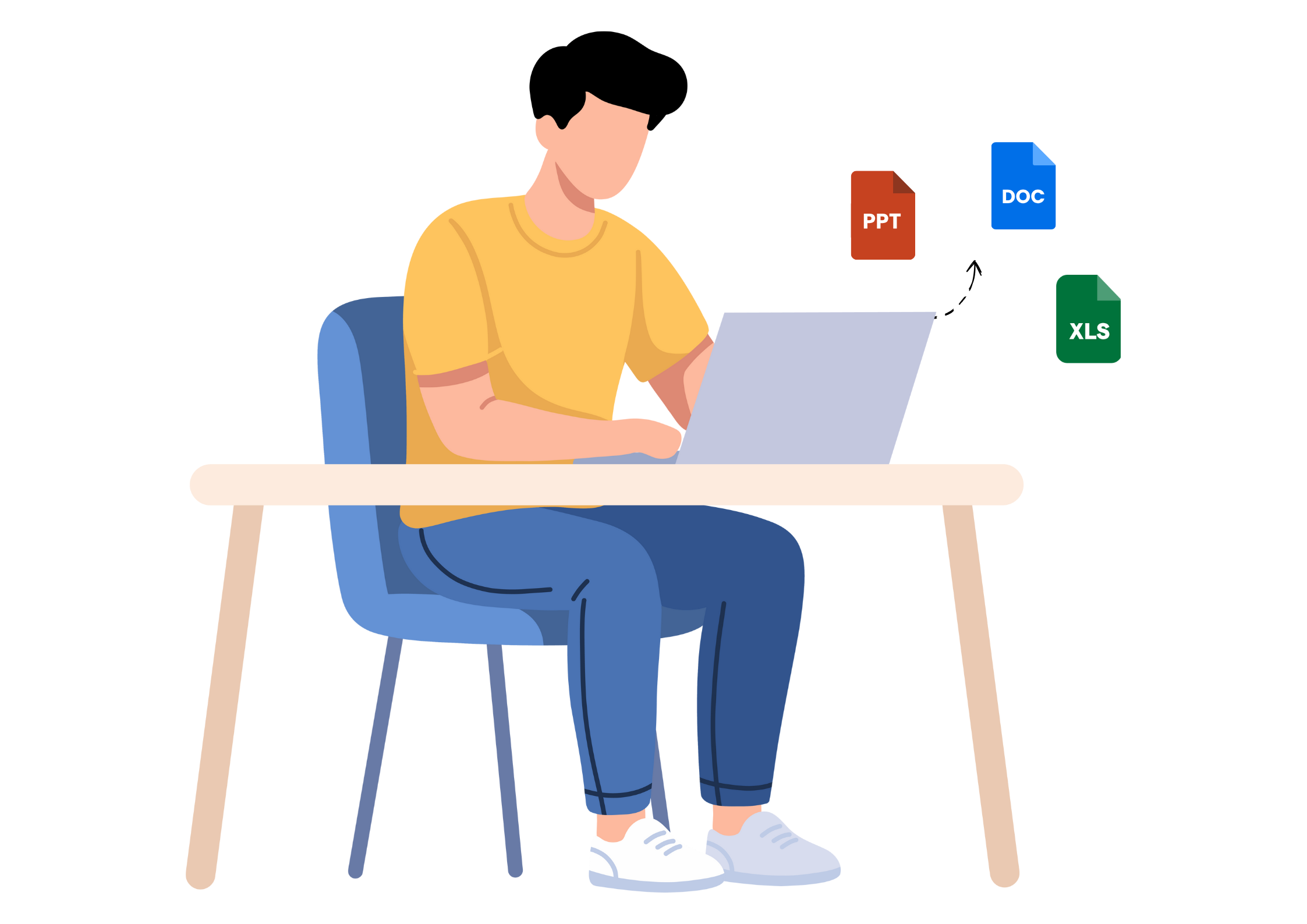
- Users can create DOCX, XLSX, and PPTX documents directly from Centris
- When editing is initiated, Centris opens the document in the Google Workspace interface
- Users work in the familiar editor they already know
-
 Saving and control
- All changes made in Google Workspace Editor are automatically saved back into Centris
- The document remains stored in the Centris repository at all times
- Centris continues to manage the document as it is updated
-
 Access and governance
- Created and edited documents follow the existing Centris access control logic
- Only authorised users can view or edit the document
- External sharing remains governed by Centris rules, not individual accounts

Office-based documentation
Draft reports, spreadsheets, and presentations using Google Drive tools.

Team Collaboration
Make updates without emailing files or creating duplicates.

Controlled editing
Allow editing access while maintaining organisational control over documents.
Standardised documentation
Ensure all working documents follow the same access and storage rules.